
Observations
- A majority of the brands ask users for basic profile information: name, email,
bla password, and address - Trends seen in watchlist organization:
-
bla bla Content is divided into “continue watching” or “saved list” -
bla bla Content is divided by categories - Netflix, Amazon, and Showtime enable users to download videos to their local.
bla Thus, they have more setting options on whether they stream using WiFi or theirbla cellular data - A necessity for all brands is parental controls. Netflix allows users to set up
bla children’s profiles with content restrictions
 Profile Information & Personalized Settings
| Brands |  |
 |
 |
 |
 |
 |
 |
||||||||||||
|---|---|---|---|---|---|---|---|---|---|---|---|---|---|---|---|---|---|---|---|
| Profile Info | |||||||||||||||||||
| Profile Information | ● No personalized profile ● Users sign in through cable provider 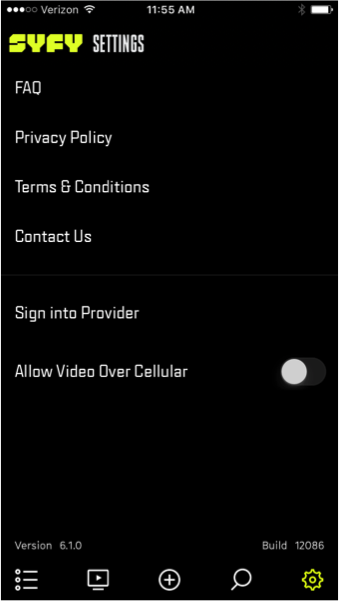 |
● Name ● Password ● Zip code ● Newsletter opt-in 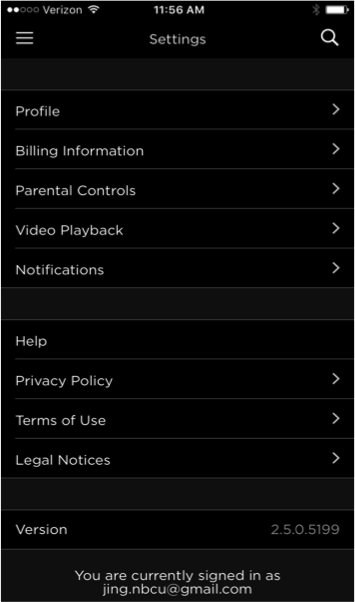 |
● DOB ● Gender 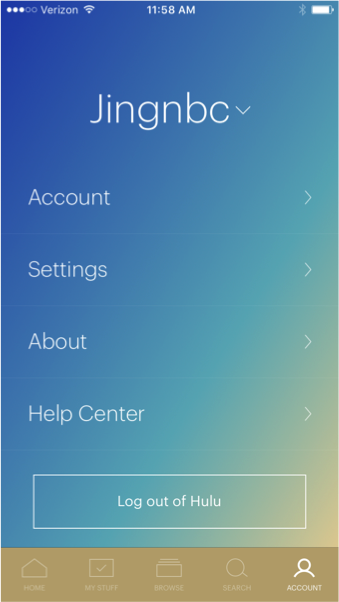 |
● Child/adult user ● Name ● Password ● Phone number ● Billing information 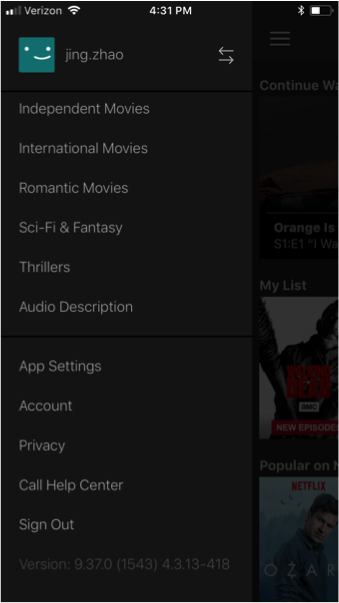 |
● Profile is set up outside the app 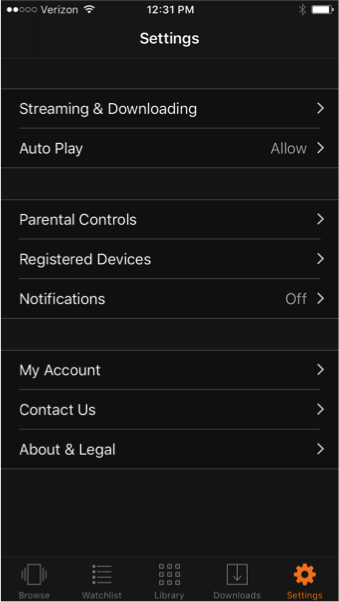 |
● Name ● Password ● Gender ● Zip code 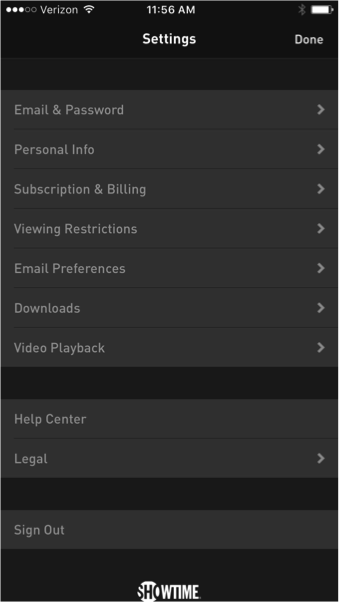 |
● Profile is set up outside the app 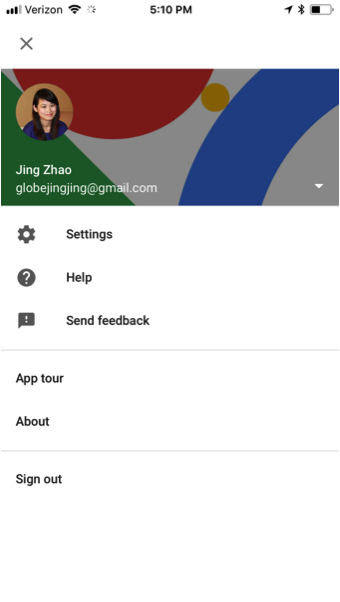 |
||||||||||||
| Watchlist Folders | |||||||||||||||||||
| Watchlist Folder Organization | ● Continue Watching ● Videos (saved content) 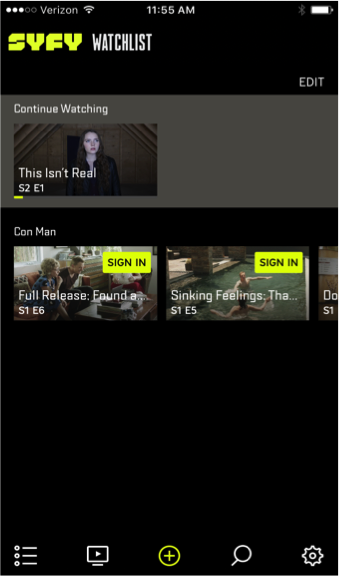 |
● Watchlist (saved content) ● Continue Watching  |
● TV Shows ● Movies ● Expiring ● Networks 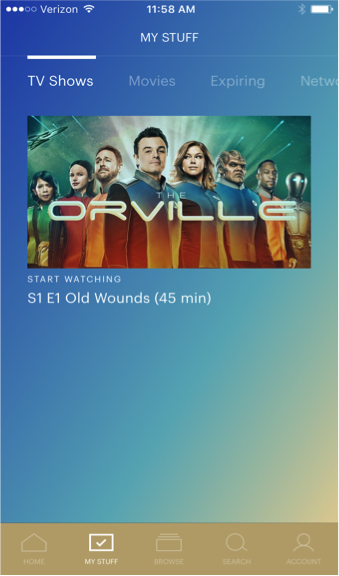 |
● My Downloads ● My List (saved content)  |
● TV shows ● Movies 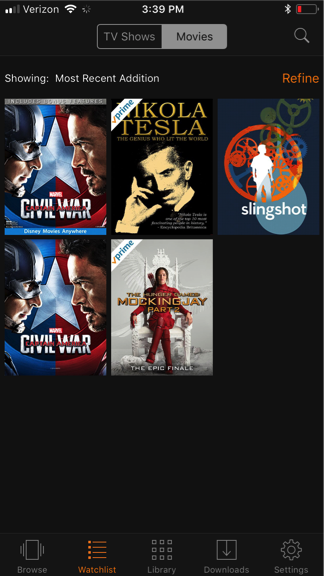 |
● My List ● Recently Watched 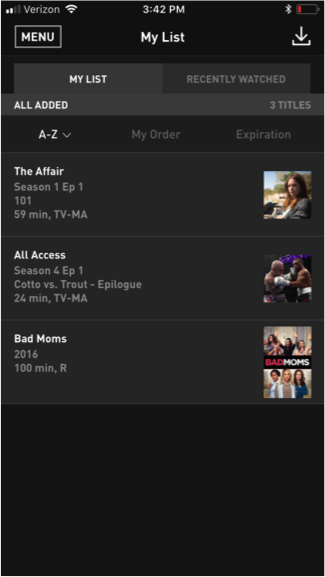 |
● Shows ● Movies ● Sports ● Events ● Scheduled Recordings ● Recently Recorded 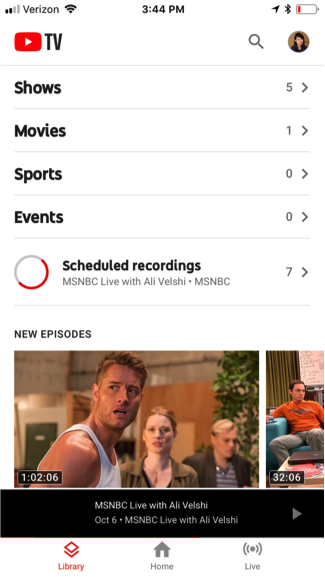 |
||||||||||||
| Other Settings | |||||||||||||||||||
| Add More Profiles to Account |  |
|
 |
|
|
|
|
||||||||||||
| Parental Control | |
|
Children’s profiles can be added |
|
|
|
|
||||||||||||
| notification setting |
|
|
|
|
|
|
|
||||||||||||
| Managing your plan | |
|
|
|
|
|
|
||||||||||||
| Subtitles & Captions | |
|
|
|
|
|
|
||||||||||||
| Auto-Play setting | |
|
|
|
|
|
|
||||||||||||
| Sign into Provider | |
|
|
|
|
|
|
||||||||||||
| Sign up for promotion | |
|
|
|
|
Subscribe for recommendations |
|
||||||||||||
| Manage devices | |
|
|
|
|
|
|
||||||||||||
| Can save video to local | |
|
|
|
|
|
|
||||||||||||
| Data usage warning | |
|
|
|
|
|
|
||||||||||||
| sign up to participate in test | |
|
|
|
|
|
|
||||||||||||
| Wifi and celluar setting | ● Option to stream videos using cellular data |
Playback settings:
● WiFi only ● Cellular playback warning |
N/A | Manage cellular data usage: ● Automatic ● WiFi only ● Save Data mode ● Maximum Data Downloads: ● WiFi only toggle |
Streaming and Downloading: ● Streaming quality (best, better, or good) ● Stream on WiFi only toggle ● Notify user when using mobile data Downloads: ● Download quality (best, better, good) ● Download on WiFi only toggle |
● Stream over WiFi ● Only download over WiFi ● Download quality |
N/A | ||||||||||||
Conclusion
-
 In Netflix and Hulu’s settings, they give users the ability to standardize the content they view with subtitles and captions as well as auto-play settings. These pre-set settings grant users the benefit of an uninterrupted viewing experience and it also encourages users to keep binging their favorite shows.
 - Netflix and Hulu allows users to set up multiple profiles on an account. This can be useful for providing users with the most targeted content possible.
It also allows users to manage parental controls on a separate account. - Netflix and Amazon have a great deal of WiFi and cellular data usage settings for streaming and downloading. Video streaming can use up a considerable amount of bandwidth. Users may not always have access to WiFi and they may not all have unlimited data usage. Therefore, it is important that brands have features that let users choose their wireless Internet access and data usage warnings. It gives users greater control over their video streaming experience.