| Video Player |
| Skip Commerical |
Not available; progress bar is hidden during commercials |
Not available |
Available |
No commercials |
No commercials |
Not available |
No commercial |
| Display Info Before Playing |
● ”SyFy Original” logo |
● Logo
● Rating |
● Not available |
● Logo |
● Not available |
● Logo |
● Not available |
| Closed Caption Button |
Located at the bottom navigation bar |
Located at the bottom navigation bar |
Found in the settings button denoted by the gear icon at the top right corner |
Located at the top menu on the right corner as a speech bubble icon |
Located at the top menu on the right corner as a speech bubble icon |
Located at the top menu on the right corner |
Found in the vertical ellipses button on the top right corner |
| video quality selection |
 |
|
Located in the settings button |
|
|
|
Located in the vertical ellipses button |
| subtitle language selection |
 |
|
Located in the settings button |
|
|
|
|
Time control
|
10s backward |
10s backward and 10s forward |
10s backward and 10s forward |
10s backward |
10s backward and 10s forward |
30s backward |
15s backward and 15s forward |
| Social Integration |
|
|
|
|
|
|
|
| Display Device Selection |
|
|
|
|
|
|
|
| Volumn control bar |
|
|
|
|
|
|
|
| Full screen function button |
|
Automatically adjusts to full screen |
Automatically adjusts to full screen |
Automatically adjusts to full screen |
Automatically adjusts to full screen |
Automatically adjusts to full screen |
the player is stick on top; can browse other videos while playing |
| Display show name |
|
|
|
|
|
|
|
| Promoting other videos |
|
|
 |
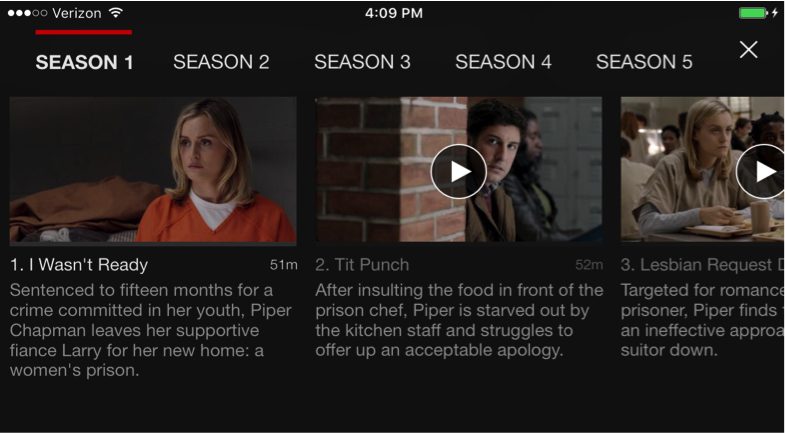 |
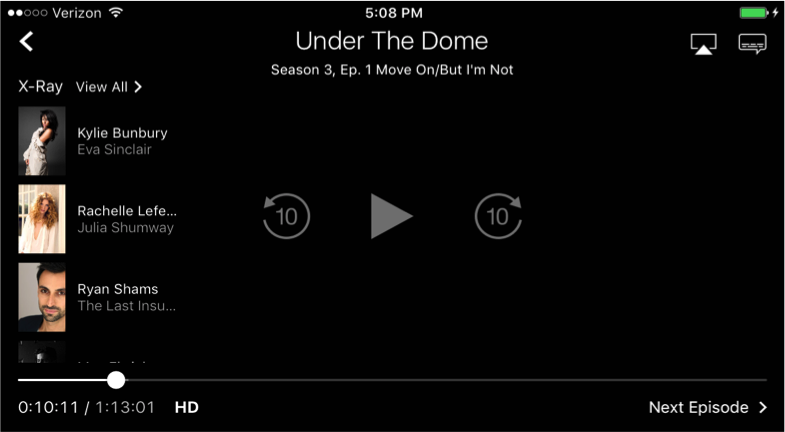 |
|
|


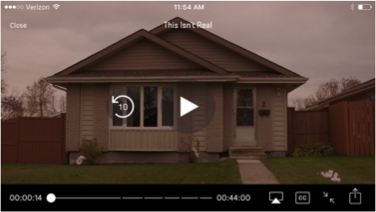

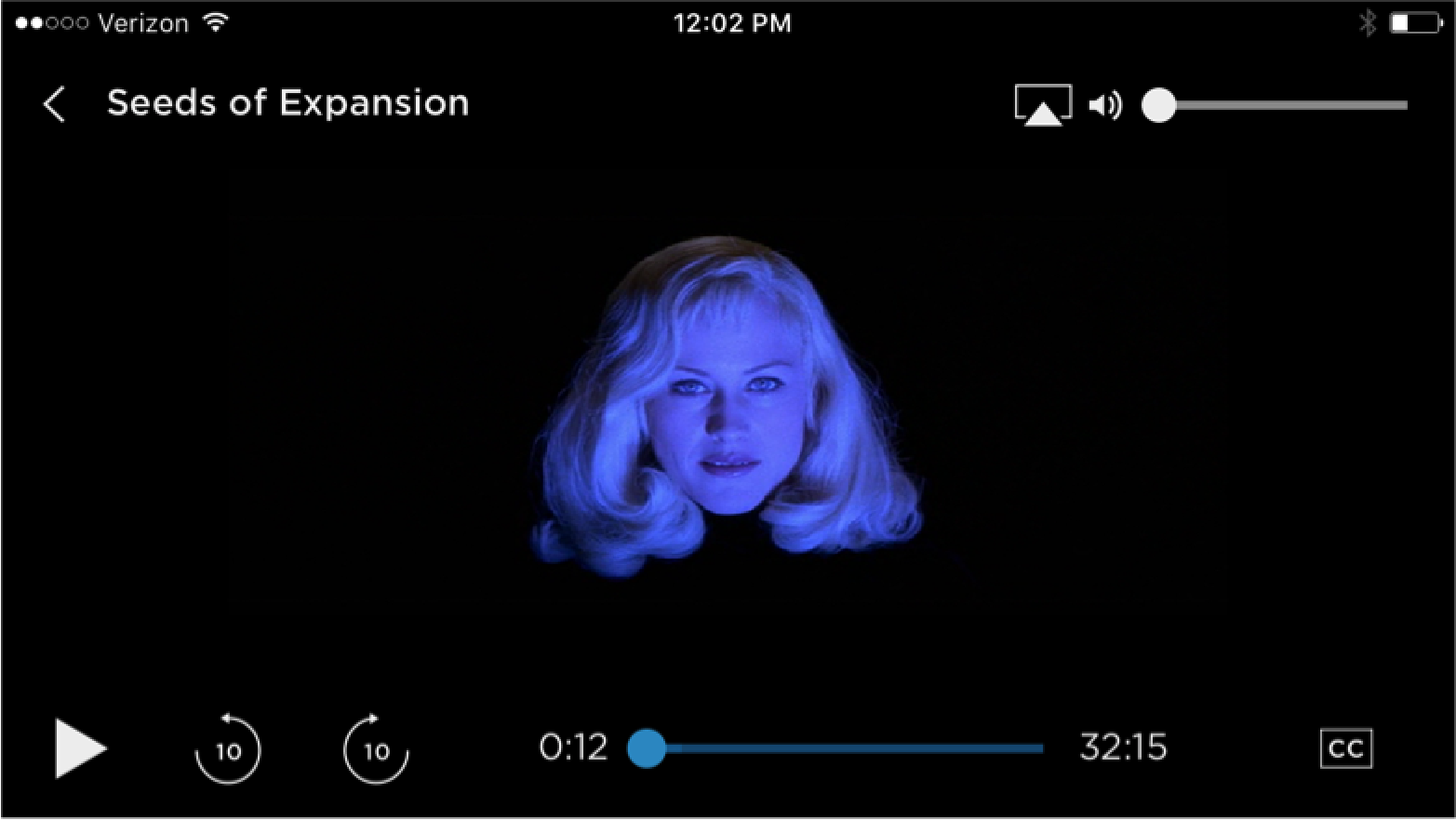

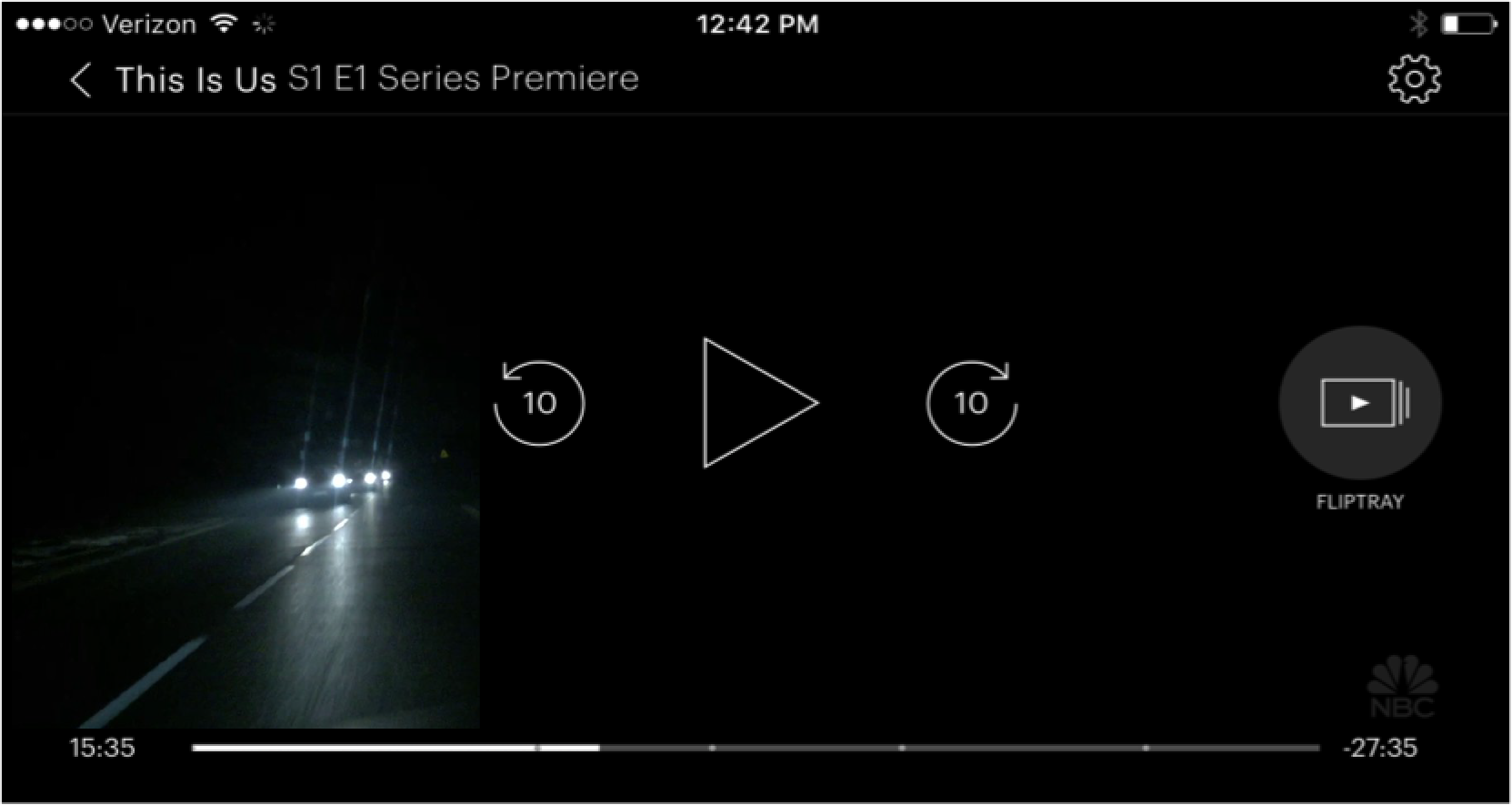

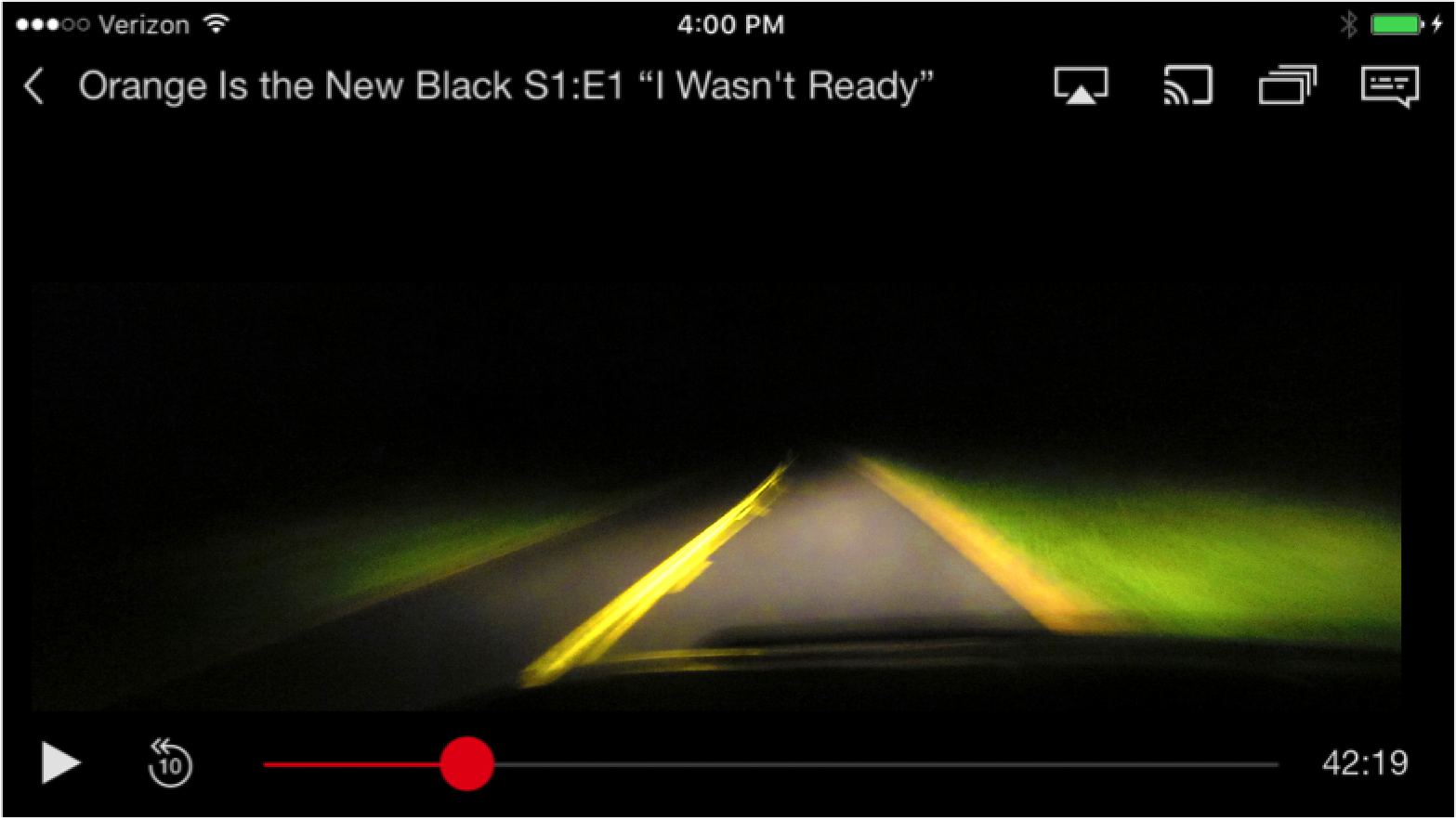

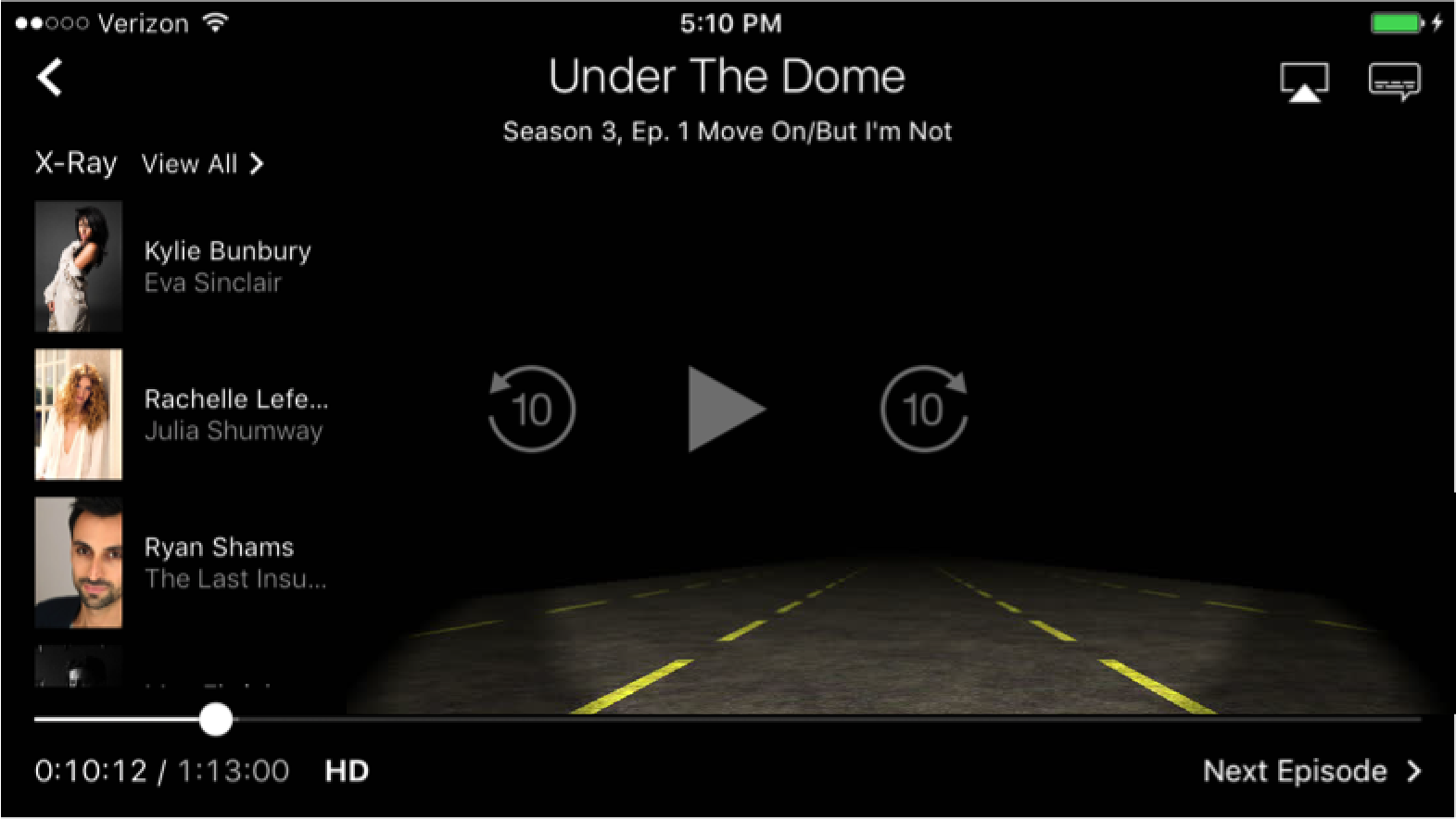



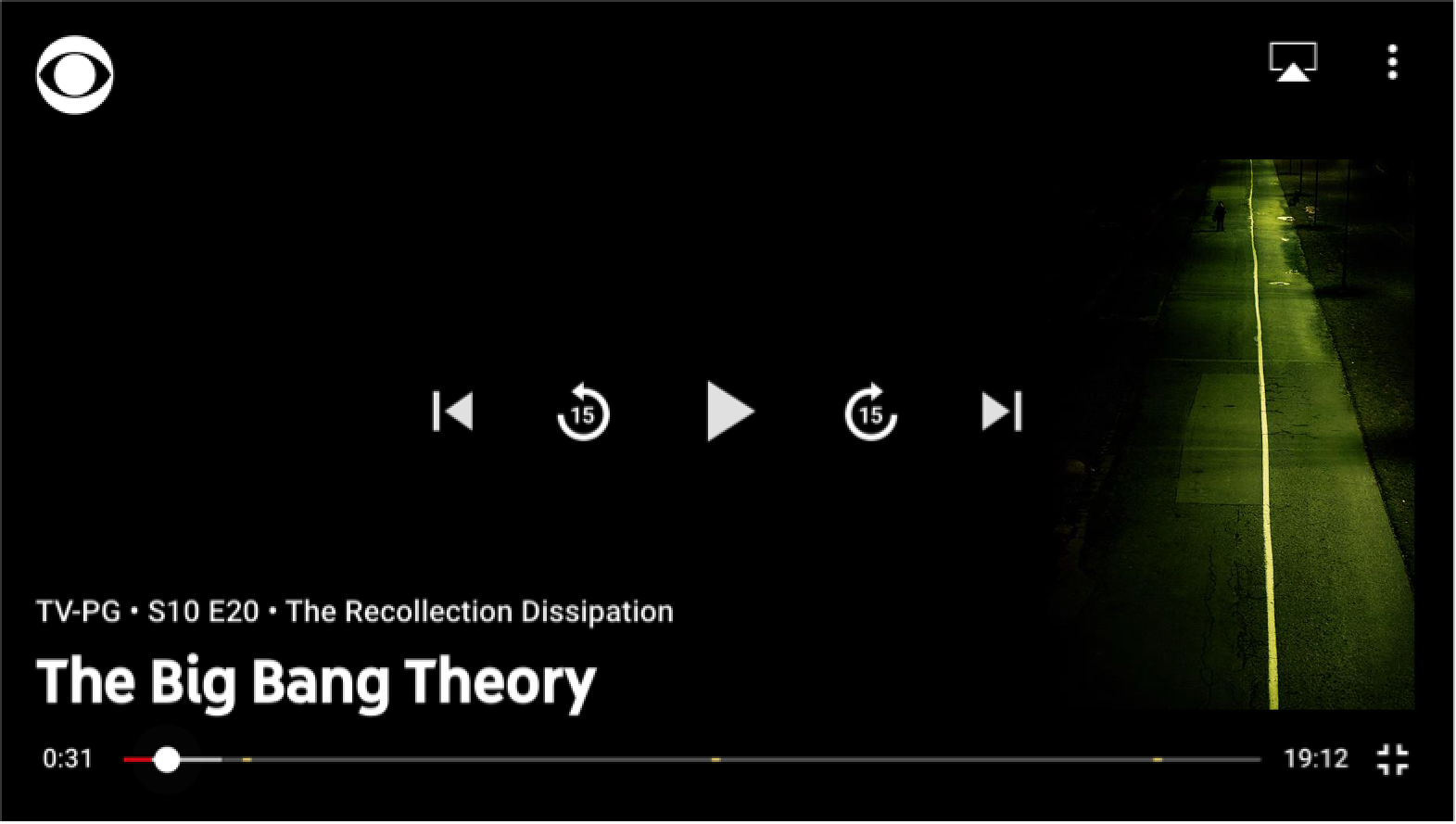
 Video Player
 A majority of the brands (except HBO and Hulu) allow users to select the device they want to watch content on. This enables app users to sync to TVs, giving users the ability to use their mobile device as a remote while watching content. This feature is very appealing to users as society becomes increasingly digital.